Pi 3B as a 2.4GHz IoT Access Point
The Problem
My dad has a video doorbell at the bottom of his drive, down by the gate. It's a fair distance from his router, so he bought a TP-Link EAP211 Bridge Kit to extend the network out there. The kit is rated for long range, it works well and I was genuinely pretty surprised at the signal strength.
One problem: the EAP211 is a 5GHz-only bridge, and like many IoT devices, the doorbell only supports 2.4GHz. The company that sold him the doorbell actually recommended the extender to my dad... a 5GHz kit for a 2.4GHz device. So the bridge was sitting there with the doorbell unable to connect to it at all. Great..
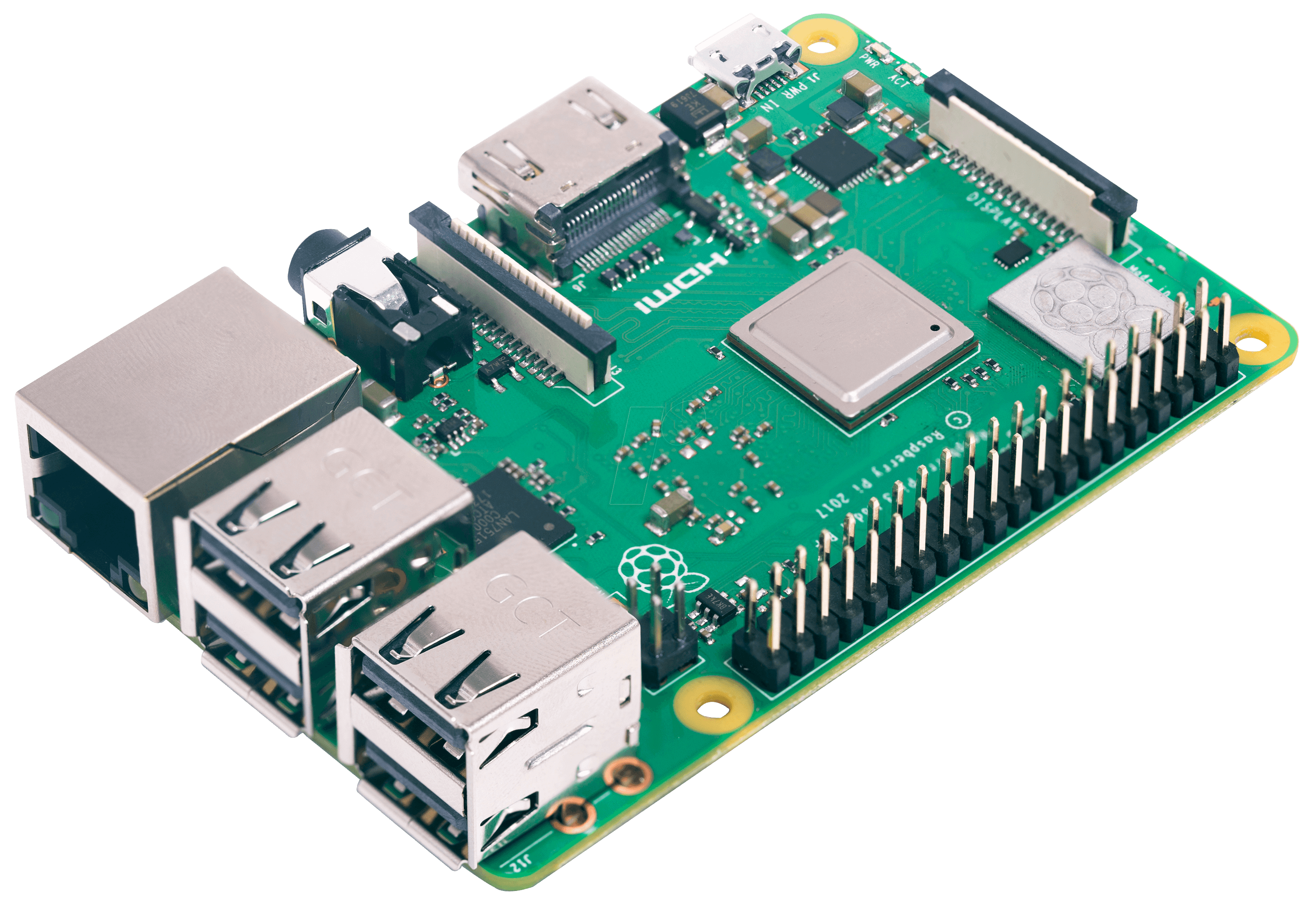
I had a spare Pi 3 (I always have a spare Pi something, though now just Picos and Zeros..excuse to buy a Pi 5 now?), so I spoke to my dad and told him I'd cooked up an idea: stick the Pi between the bridge and the doorbell, create a 2.4GHz AP on the Pi, and let it handle the NAT routing back through the bridge. Never tried this before, but now I have a good excuse.
Hardware
- Raspberry Pi 3B - The main controller, already had one spare
- TP-Link EAP211 Bridge Kit - The 5GHz extender my dad was (mis)-sold (apparently rated for ~1km range)
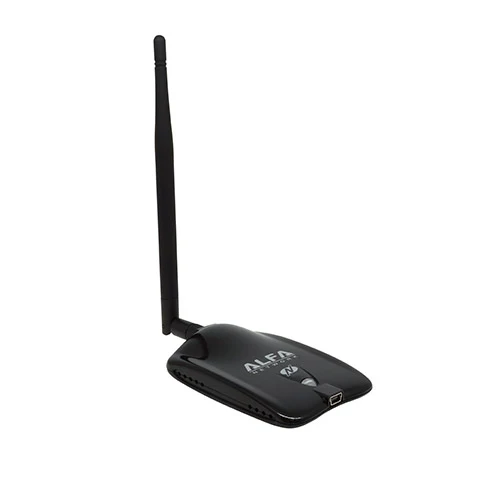
- Alfa AWUS036NHA USB wifi adapter - 2.4GHz radio, Atheros AR9271 chipset
- Ethernet cable, not short on those
Alfa adapters are another piece of tech I seem to hoard, only had one of this model not in use though so I'll need to grab another (about £20), they are perfect for anything like this. The adapter's chipset (AR9271) has been well supported in the Linux kernel for years, I love these adapters, plug and play on every distro I've used. Another favourite is the AWUS036AC, though you might need to grab the drivers for some distros.
Network Topology
Internet → Router → EAP211 (main) → [5GHz bridge] → EAP211 (client) → Pi (eth0) → Pi (wlan0) → IoT devicesThe Pi sits on my dad's 192.168.1.x network using ethernet (eth0), connected to the client-side EAP211. The Alfa adapter (wlan0) creates a separate 2.4GHz AP on a 192.168.100.x subnet. The doorbell connects to that AP and the Pi NATs the traffic out through eth0.
NAT, Not Bridging
My first attempt was to bridge the two interfaces at layer 2, to make the doorbell appear directly on the 192.168.1.x network, didn't work. For one, bridging while connected to the network over SSH is a good way to lose your session (I was sitting in the garden with a laptop chatting to the Pi), so had to drop that idea and have a wee think.
NAT is the answer, probably where I should have started tbh. The Pi gets one IP on the main network (192.168.1.21 via the bridge), handles DHCP for IoT devices itself on the 192.168.100.x subnet, and forwards traffic between the two. Everything on the main network just sees the Pi. Another nice thing about this is that the doorbell is isolated on its own subnet - I don't personally trust most IoT gadgets myself, I don't own any, but definitely wouldn't have one on my main home network.
Configuration
hostapd
hostapd creates and manages the access point. The config is minimal:
interface=wlan0
driver=nl80211
ssid=IoT-Network-2.4GHz
hw_mode=g
channel=6
country_code=GB
ieee80211n=1
wmm_enabled=1
max_num_sta=10
wpa=2
wpa_key_mgmt=WPA-PSK
wpa_passphrase=your_wifi_password
rsn_pairwise=CCMP
Really important to note: hw_mode=g is 2.4GHz 802.11g/n. The wmm_enabled=1 line is required if you want 802.11n (HT) to actually work, it doesn't enable itself even with ieee80211n=1 set. On the Pi's default OS, hostapd is masked by default, so before enabling it you need to run sudo systemctl unmask hostapd, and you need to set DAEMON_CONF="/etc/hostapd/hostapd.conf" in /etc/default/hostapd or it won't find the config.
dnsmasq
dnsmasq handles DHCP for the doorbell IoT subnet:
interface=wlan0
bind-interfaces
dhcp-range=192.168.100.10,192.168.100.50,255.255.255.0,24h
server=8.8.8.8
server=8.8.4.4
log-dhcp
The bind-interfaces line is also v important. Without it dnsmasq would listen on all interfaces even with interface=wlan0 set, which means it'll try to handle DHCP on eth0 as well.
IP forwarding and NAT
Enable forwarding in /etc/sysctl.conf:
net.ipv4.ip_forward=1Then the iptables rules:
sudo iptables -t nat -A POSTROUTING -o eth0 -j MASQUERADE
sudo iptables -A FORWARD -i eth0 -o wlan0 -m state --state RELATED,ESTABLISHED -j ACCEPT
sudo iptables -A FORWARD -i wlan0 -o eth0 -j ACCEPT
sudo netfilter-persistent save
Custom systemd service
This one probably took me the most time to figure out. The newer Pi OS doesn't come with dhcpcd, so there's no clean place to assign a static IP to wlan0. So I use a simple oneshot systemd service that assigns the IP and then restarts hostapd and dnsmasq once it's in place:
[Unit]
Description=wifi AP setup
After=hostapd.service
Wants=hostapd.service

[Service]
Type=oneshot
RemainAfterExit=yes
ExecStart=/bin/bash -c 'sleep 3 && /sbin/ip addr add 192.168.100.1/24 dev wlan0 2>/dev/null || true'
ExecStart=/bin/systemctl restart hostapd
ExecStart=/bin/systemctl restart dnsmasq

[Install]
WantedBy=multi-user.target
The sleep 3 is to give hostapd time to bring the interface up before the attempt to assign the address. The || true stops it from failing on a restart when the address is already there. Multiple ExecStart= lines are valid for Type=oneshot and run in sequence which is required.
What Went Wrong
Interface naming
The Pi has built-in wifi obviously so with both it and the Alfa adapter plugged in, the Alfa shows up as wlan1. Disable the built-in wifi (via dtoverlay=disable-wifi in config.txt) and the Alfa becomes wlan0. I missed this on my first attempt and wasted time wondering why hostapd wasn't behaving as expected..simple mistake that was easy to miss at first.
No dhcpcd
I expected to find dhcpcd for managing the static IP on wlan0 but as I found out, it's not there by default on the Pi. This is why I had to create the systemd service above.
Service startup order
Getting hostapd and dnsmasq to start reliably after the interface had its IP assigned required a wee bit of fiddling. The sleep in the systemd service maybe isn't the most perfect way of dealing with this but it works consistently. Thinking about it after, a cleaner, more robust approach would be to use a udev rule to trigger on the interface coming up, but for the doorbell / a single-purpose device that never reboots unexpectedly, the sleep is fine.
Result
The doorbell connects to the Pi's 2.4GHz AP, the Pi routes the traffic through the EAP211 bridge to the main network, and my dad gets his doorbell notifications. It's been running without any issues since I set it up. The Pi sits in a weatherproof box outside near the gate along with the EAP211 client box. Happy days, and a beer with my dad.
The config files and a full setup guide are on GitLab if you want to replicate it. An AP / access point is a really handy thing to have, the Pi turned out to be perfect for it, and it's not an exclusive thing for IoTs. If you were to try this, I would go the udev route in case whatever device you're connecting does reboot as I'm not certain on the sleep. I'm planning to change this for my dad just in case the Pi or extenders do reboot and hostapd / dnsmasq have issues.